What Clients Say?
Here are testimonials from clients..


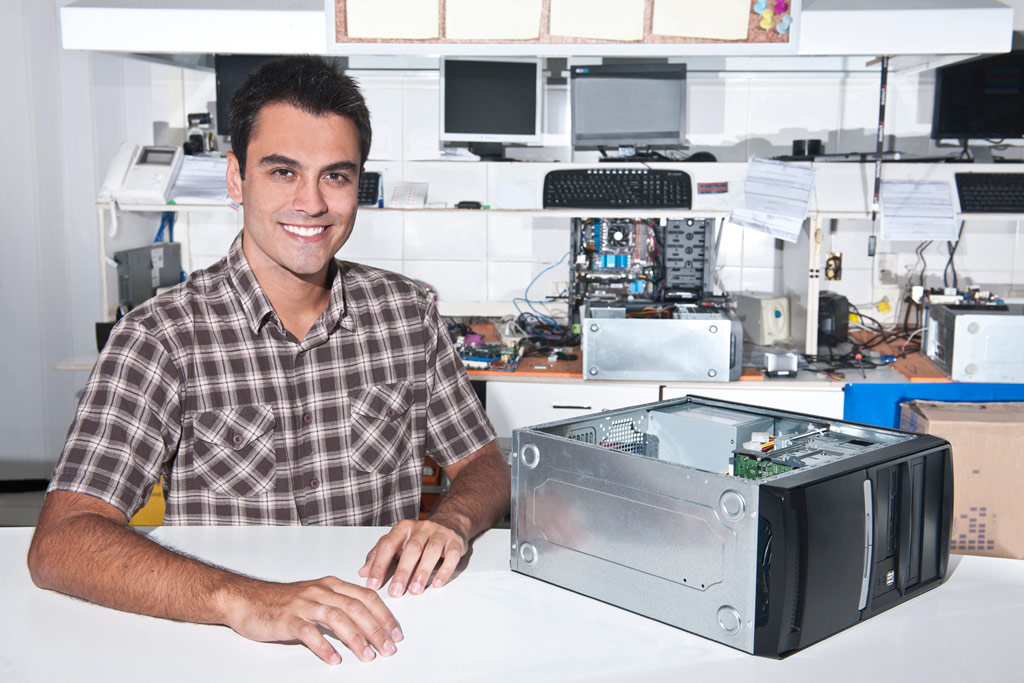
Hardware Repairing
Hardware issues can cause major disruptions, but with the right tools and knowledge, many can be fixed at home. Learn basic troubleshooting, recognize signs of hardware failure, and know when it's time to call a professional.
Computer Service
Regular computer servicing can prevent major issues down the line. Services include cleaning hardware, updating software, and checking for malware, ensuring your system remains fast and secure. A clean screen improves visibility and reduces eye strain. Use a microfiber cloth and gentle cleaning solutions designed for screens to remove dust and fingerprints without causing damage.
Long Life Laptop
Extend your laptop’s lifespan by avoiding overcharging, keeping it cool, and using it on stable surfaces. Regular updates and maintenance also help maintain optimal performance and prevent breakdowns. Protect your laptop from physical damage with sturdy cases and screen protectors. Keep it secure with antivirus software and regularly back up important data to prevent loss.
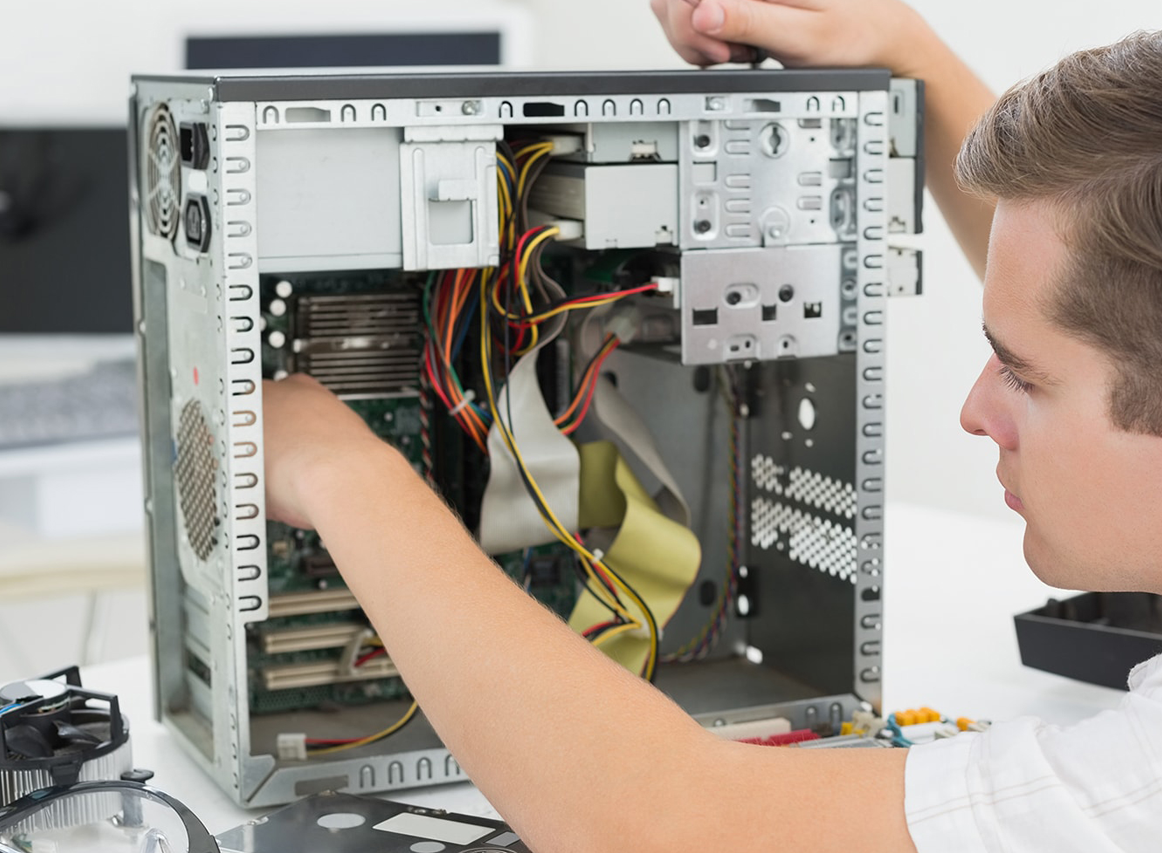
Precautions
Keeping your computer in top condition involves regular maintenance and timely repairs. Address common issues like slow performance, overheating, and software crashes to keep your system running smoothly.
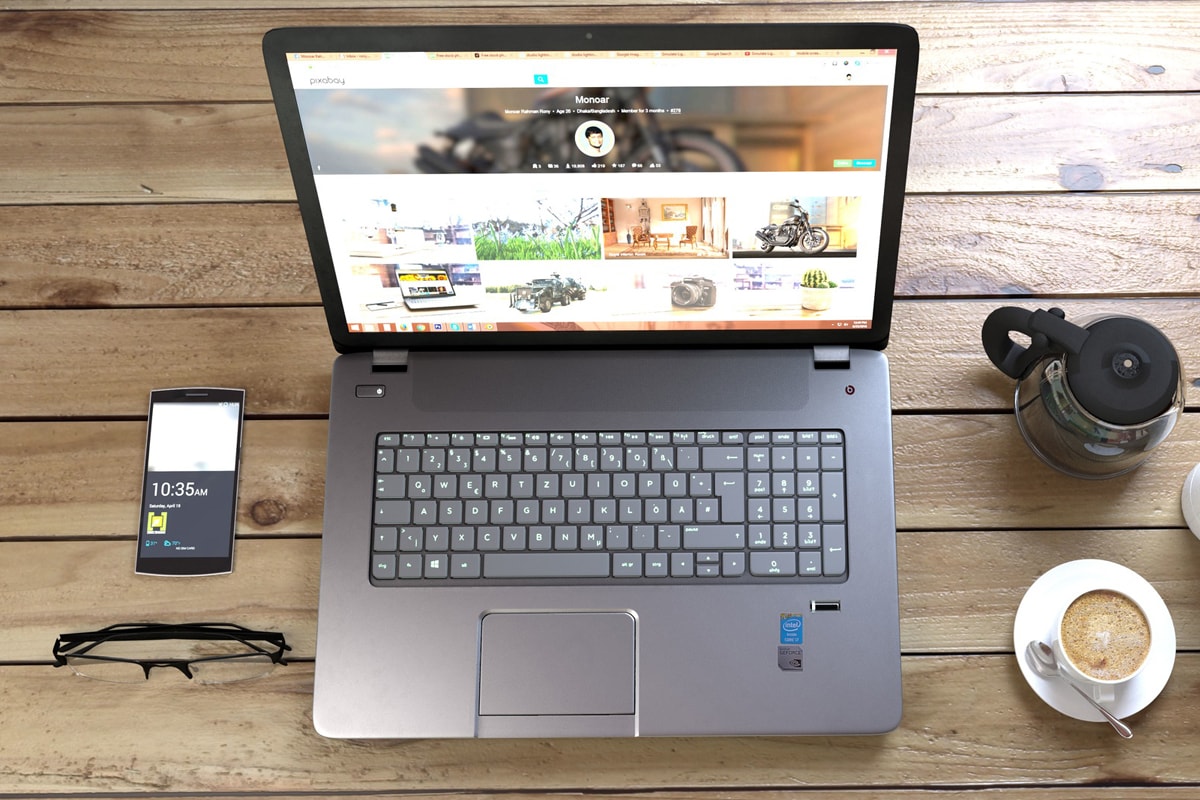

Network Maintainance
Regular network maintenance ensures seamless connectivity and optimal performance. This includes updating firmware, monitoring traffic, and addressing security vulnerabilities to prevent downtime and enhance reliability.Protecting your network from cyber threats is crucial. Implement firewalls, regularly update security protocols, and educate users about phishing and malware to safeguard sensitive data.
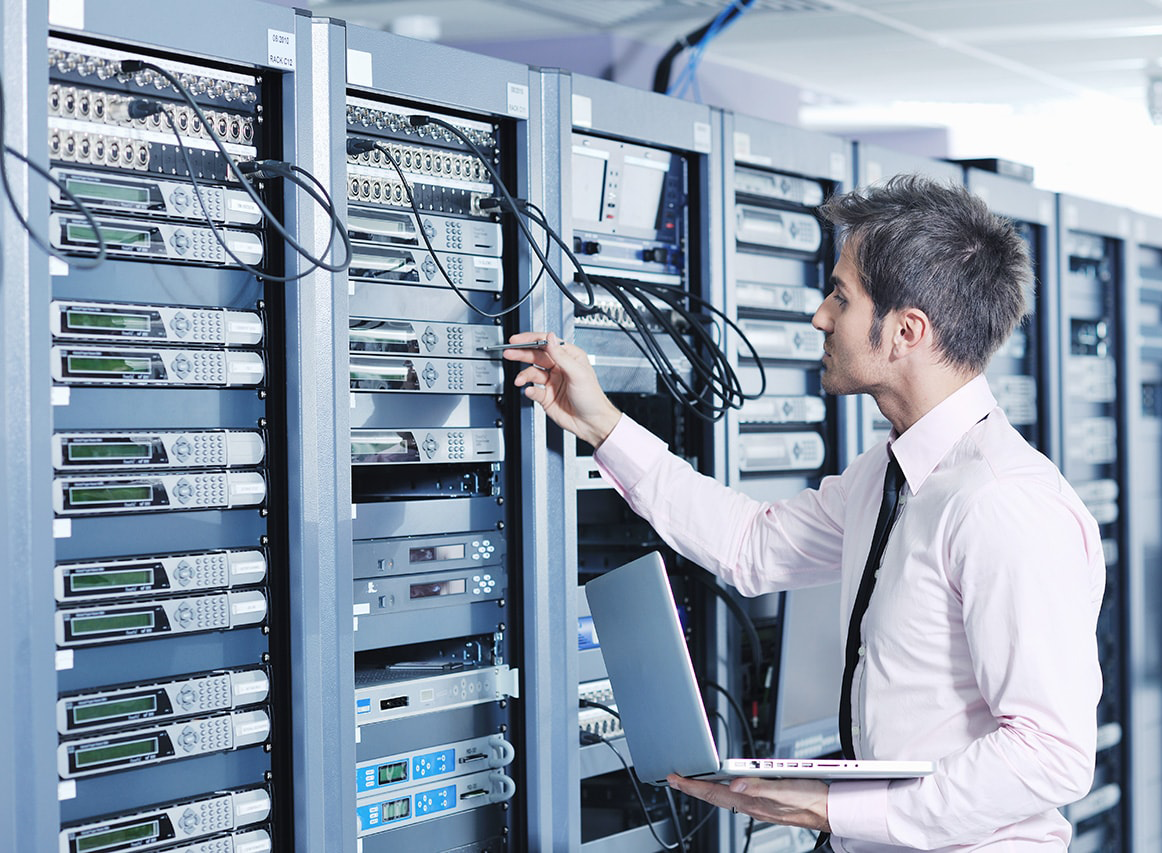
Here are testimonials from clients..


Get answers and advice from people you want it from.


